Can You Use Bluetooth on a Plane? (2026 Rules by Airline)

This article contains affiliate links. We may earn a commission at no additional cost to you if you make a purchase through these links. See our affiliate disclosure for details. As an Amazon Associate I earn from qualifying purchases.
Yes. You can use Bluetooth headphones on virtually every commercial flight in the world. Put your phone in airplane mode, turn Bluetooth back on, and pair your headphones. That’s it.
The confusion comes from outdated rules and vague announcements. The FAA updated their guidance back in 2013, and most airlines caught up shortly after. But flight attendants still occasionally say “turn off all electronic devices” during safety demos, which makes people second-guess whether their AirPods are going to crash the plane. They’re not.
The FAA and EASA Rules That Matter
The Federal Aviation Administration allows portable electronic devices, including Bluetooth headphones, during all phases of flight, as long as the device is in airplane mode. This has been the rule since October 2013, when the FAA relaxed restrictions on personal electronics.
The European Union Aviation Safety Agency follows the same approach. Bluetooth is classified as a short-range, low-power signal that doesn’t interfere with aircraft navigation or communication systems. It operates on the 2.4 GHz band at a fraction of the power of a Wi-Fi or cellular signal.
The key detail: airplane mode disables cellular radios (the signal that connects to cell towers). Bluetooth and Wi-Fi can be re-enabled independently after you switch to airplane mode. On an iPhone, toggle airplane mode on, then tap the Bluetooth icon in Control Center to turn it back on. Android works the same way.
Airline-Specific Bluetooth Policies
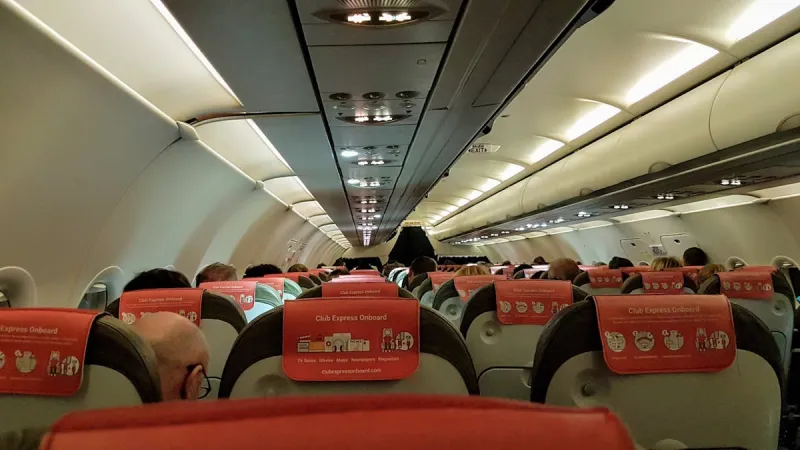
Every major US airline permits Bluetooth use during flight. The differences are minor and mostly about when you need to stow devices during takeoff and landing.
Delta. Bluetooth headphones allowed throughout the flight. Devices must be in airplane mode. Small devices like phones can stay in your hand during takeoff and landing; larger devices like laptops go in the seat pocket.
United. Same policy. Bluetooth permitted from gate to gate. United was one of the first airlines to adopt the FAA’s 2013 guidance across their fleet.
American Airlines. Bluetooth allowed in airplane mode during all flight phases. Their in-flight entertainment app works well with Bluetooth headphones. Connect to the Wi-Fi (free for streaming), open the AA app, and your audio routes through your wireless headphones.
Southwest. Bluetooth permitted. Southwest doesn’t have seatback screens, so Bluetooth headphones are the only practical option for watching their in-flight entertainment through the app.
JetBlue. Bluetooth allowed. JetBlue’s seatback screens use wired connections, so you’ll need a Bluetooth transmitter adapter if you want to watch seatback content wirelessly.
International carriers. Emirates, Singapore Airlines, Qatar, Lufthansa, British Airways, and virtually every major international airline allow Bluetooth. The only carriers that occasionally restrict it are some regional Asian and African airlines, and even those are rare exceptions.
The Seatback Entertainment Problem
Your headphones pair with your phone. They can’t pair with the airplane’s seatback entertainment screen. Those screens output audio through a 3.5mm headphone jack (or a dual-prong connector on older aircraft).
You have three options.
Use wired headphones for seatback content. The simplest solution. Bring a cheap pair of wired earbuds for movies on the seatback screen and use your Bluetooth headphones for your own phone or tablet content. Airlines provide free earbuds on most long-haul flights, though the quality is terrible.
Buy a Bluetooth transmitter. A small device that plugs into the headphone jack and broadcasts a Bluetooth signal to your headphones. They cost $15-30 on Amazon and work well. Plug it in, pair your headphones, and you get wireless audio from the seatback screen. Models like the TaoTronics BT5.0 and Twelve South AirFly are popular travel picks.
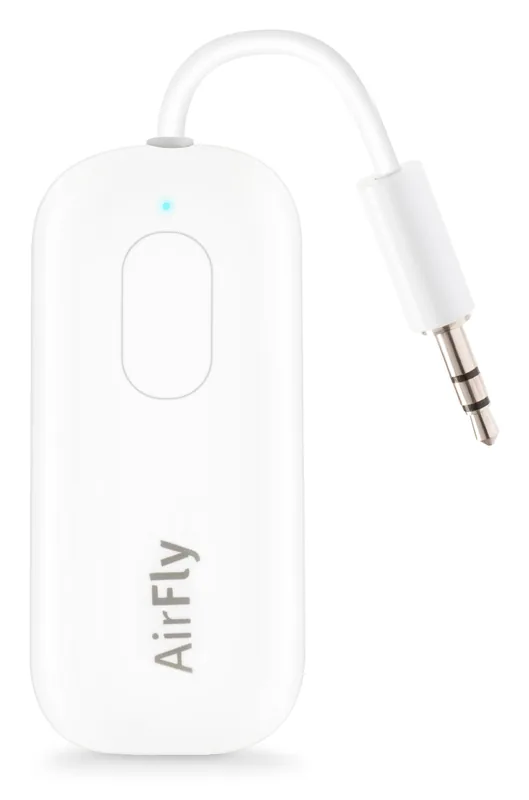
The AirFly Pro is the adapter named above. It plugs into the seatback jack and pairs with the headphones you already brought.
Use airline streaming apps instead. Most US airlines now offer their entertainment through apps that stream to your personal device over the plane’s Wi-Fi network. Connect your Bluetooth headphones to your phone, open the airline’s app, and stream content directly. No adapter needed. Delta, American, United, Southwest, JetBlue, and Alaska all have streaming apps.
AirPods on a Plane (Specifically)
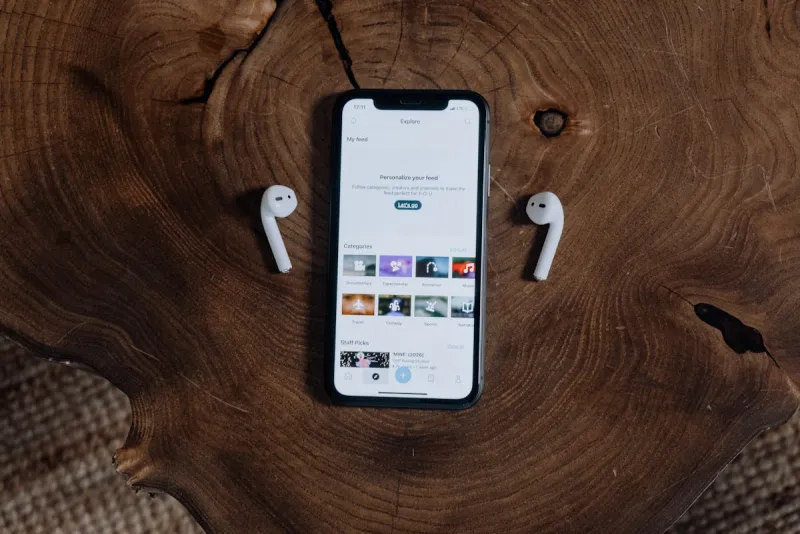
AirPods (all generations), AirPods Pro, and AirPods Max work on planes exactly like any other Bluetooth headphone. Put your iPhone in airplane mode, toggle Bluetooth back on, and your AirPods reconnect automatically.
A few things specific to AirPods on flights.
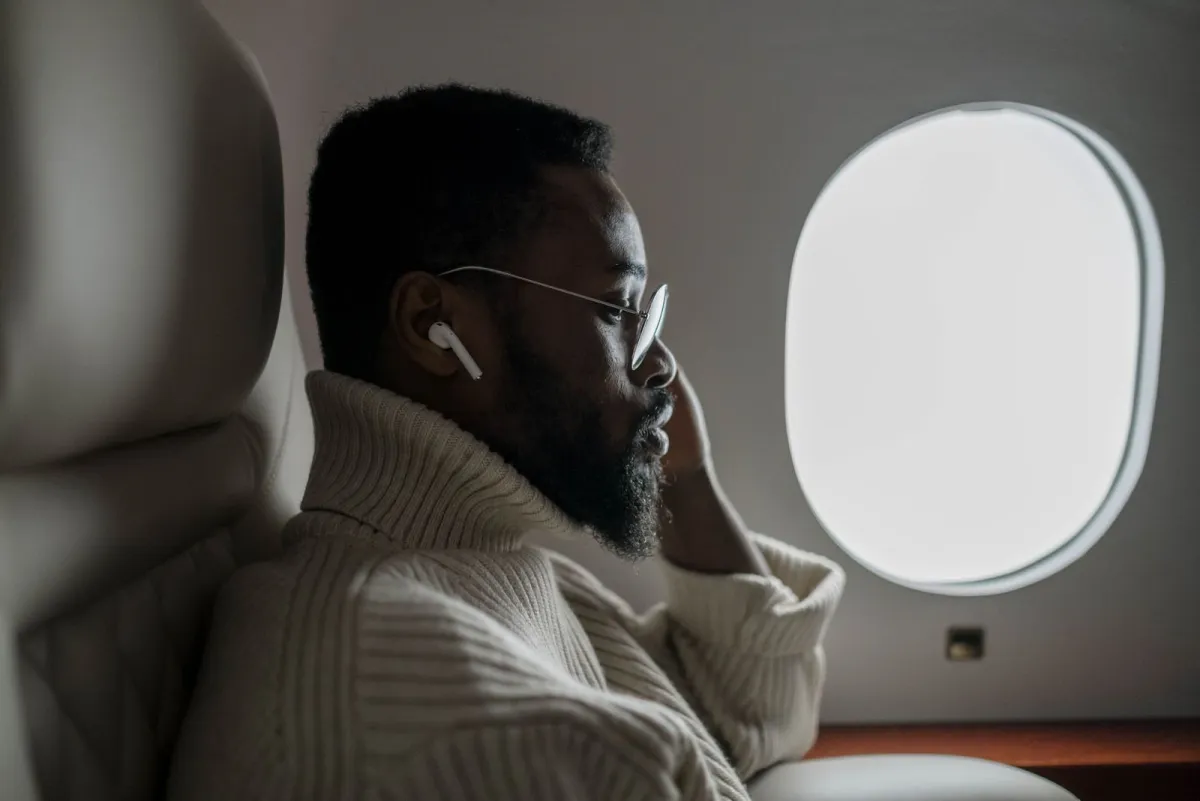
AirPods Pro noise cancellation works well in the cabin. It cuts engine noise significantly, which makes it easier to hear dialogue in movies or podcasts without cranking the volume. The Transparency mode lets cabin announcements through without removing your earbuds.
AirPods (standard, non-Pro) don’t have noise cancellation. They still work fine for audio, but you’ll hear more engine noise. On a loud plane, you might find yourself turning the volume up higher than you should.
Battery life matters on long flights. Check Apple's current specifications for each model and carry a charged case or wired backup.
If you’re flying with limited carry-on space, AirPods are the most space-efficient headphone option. The case fits in a jeans pocket.
When Flight Attendants Say “Turn Everything Off”
During the safety demonstration (usually during taxi before takeoff), some flight attendants ask passengers to remove headphones and pause devices. This isn’t about Bluetooth safety. Crew wants you to hear the safety briefing.
Once the demo is complete and the seatbelt sign is on for takeoff, you can put your headphones back in on most airlines. The FAA allows this. Some international carriers are stricter and want all devices stowed until the seatbelt sign turns off after reaching cruising altitude. Follow the crew’s instructions for that specific flight.
If a flight attendant asks you to turn off your headphones during landing approach, just do it. It takes 10 minutes. The rule exists so passengers can hear emergency instructions if something goes wrong during takeoff or landing.
Other Bluetooth Devices on Planes
Headphones aren’t the only Bluetooth device travelers bring on board.
Bluetooth keyboards and mice. Allowed. They use the same low-power Bluetooth signal. If you’re working on a laptop during the flight, your wireless peripherals work fine.
Bluetooth trackers (AirTag, Tile). Allowed in both carry-on and checked luggage. AirTags in checked bags help you track your luggage through the airline’s baggage system. Some airlines initially pushed back on AirTags in checked luggage. Under the same FAA portable-device rules that allow Bluetooth headphones, they are permitted in carry-on and checked bags.
Smartwatches. Allowed. Your Apple Watch or Galaxy Watch works in airplane mode with Bluetooth enabled, just like your phone.
Bluetooth speakers. Technically allowed by the FAA, but don’t. Playing audio out loud on a plane is a guaranteed way to annoy every person within earshot. Use headphones.
Tips for a Better Wireless Flight
Charge everything before you board. Headphones, phone, tablet, portable battery. Hunting for a working outlet mid-flight is frustrating.
Pair your headphones before switching to airplane mode. Some devices handle the airplane-mode-then-Bluetooth-on sequence better if the headphones are already connected.
Bring a Bluetooth transmitter if you want seatback entertainment wirelessly. It pays for itself on the first long-haul flight.
Consider noise-cancelling headphones for any flight over 3 hours. The cabin noise on a commercial aircraft averages 80-85 decibels. Active noise cancellation drops that significantly, so you can hear audio at a lower volume and get off the plane less drained.
Download content before you board. Airplane Wi-Fi is inconsistent and often slow. Pre-download podcasts, music, and Netflix/streaming content to your device while you’re still on the ground.
FAQ
Can you use AirPods on a plane?
Yes. AirPods (all models), AirPods Pro, and AirPods Max work on planes. Put your iPhone in airplane mode, then re-enable Bluetooth. Your AirPods reconnect automatically. This works during all phases of flight on every major airline.
Do you have to turn Bluetooth off during takeoff?
On most US and European airlines, no. Bluetooth can stay on as long as your device is in airplane mode. Some international carriers ask passengers to stow all devices during takeoff and landing. Follow the crew’s instructions for your specific flight.
Can Bluetooth interfere with airplane instruments?
No. Bluetooth operates on the 2.4 GHz band at very low power (1-100 milliwatts). Aircraft communication and navigation systems operate on completely different frequencies. The FAA and EASA confirmed that Bluetooth doesn’t pose a safety risk, which is why it’s been permitted since 2013.
Can I use Bluetooth headphones with the airplane TV screen?
Not directly. Seatback screens output audio through wired headphone jacks, not Bluetooth. You need either wired headphones or a Bluetooth transmitter adapter (plugs into the jack and broadcasts to your wireless headphones). Alternatively, most US airlines offer streaming apps that work with your Bluetooth headphones through your personal device.
Do budget airlines allow Bluetooth?
Yes. Frontier, Ryanair, EasyJet, and other budget carriers follow the same FAA/EASA guidelines as full-service airlines. Bluetooth in airplane mode is permitted. Budget airlines are more Bluetooth-friendly in practice because they often don’t have seatback entertainment, so your personal device with Bluetooth headphones is the only entertainment option.
Is it OK to use Bluetooth headphones during the entire flight?
On most airlines, yes, from boarding to deplaning. The only restriction is during the safety demonstration, when crew may ask you to remove headphones so you can hear the briefing. After that, Bluetooth headphones are permitted for the remainder of the flight.
Filed in Travel Tips