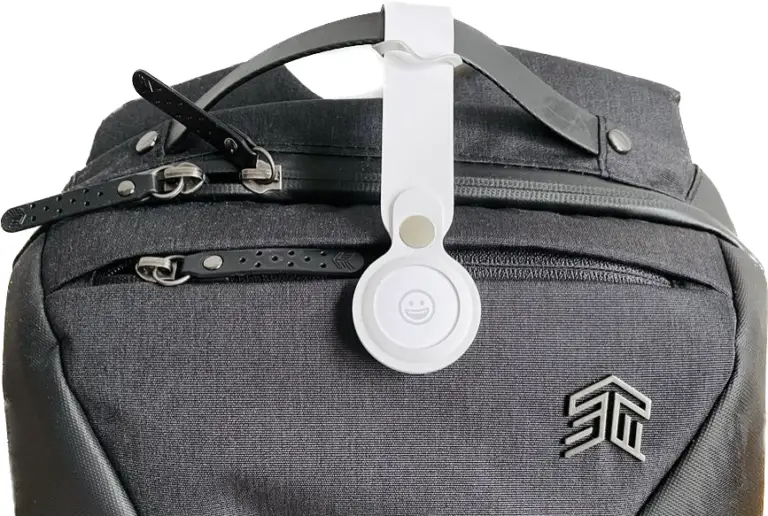
Apple AirTag for Luggage: Never “Misplace” Your Bag Again

This article contains affiliate links. We may earn a commission at no additional cost to you if you make a purchase through these links. See our affiliate disclosure for details. As an Amazon Associate I earn from qualifying purchases.
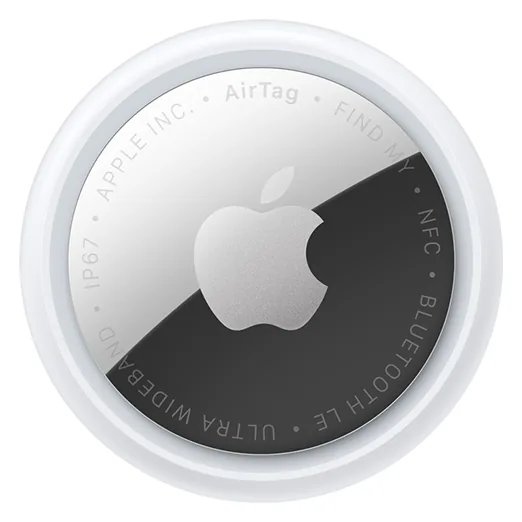
The Apple AirTag is a quarter-sized disc you drop in a suitcase. Nearby iPhones ping it through the Find My network, and your phone plots the last place that bag was seen, including at baggage claim.
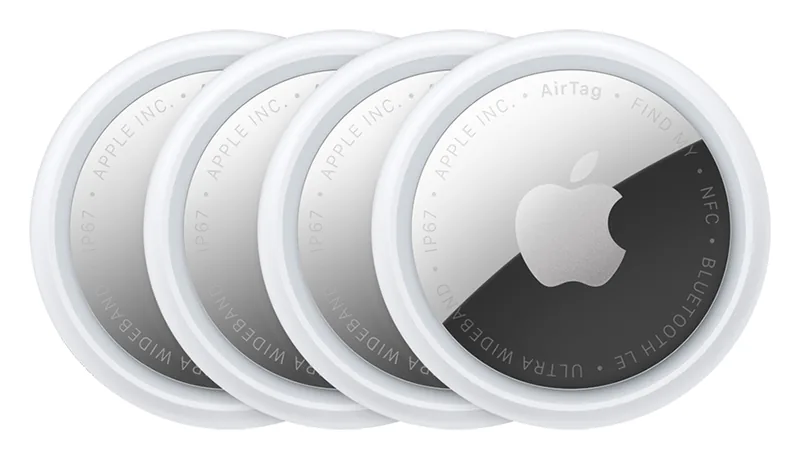
Apple AirTag 4 Pack
Four trackers is the practical travel setup: one for checked luggage, one for carry-on, and enough left for keys or a day bag.
The tag has no GPS chip. It broadcasts Bluetooth, and Apple devices around it relay the location through Find My. Tracking does not prevent lost luggage, but it does mean you can tell the airline where your bag actually is instead of guessing.
How it Works
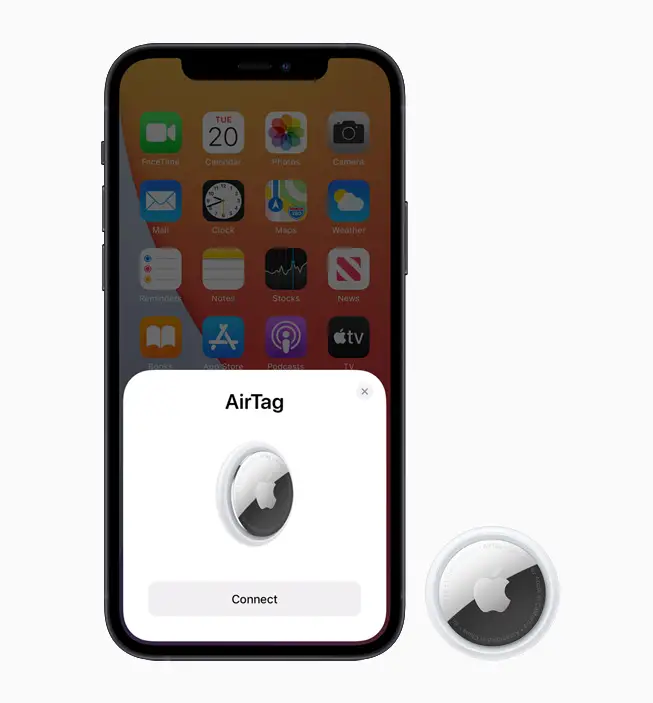
Pair it once with an iPhone. After that, Find My shows the last ping on a map, plays a tone when you are close, and uses Precision Finding for the last few feet.
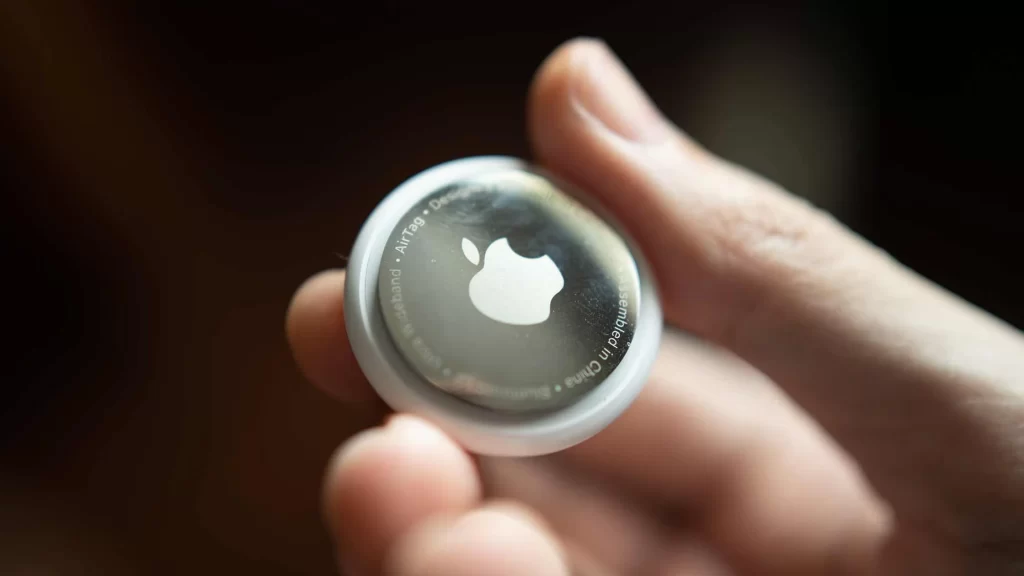
What it is
The AirTag tucks into a luggage pocket, a key fob, or a wallet sleeve. A portable luggage scale still handles the overweight problem; the tag handles location. Pairing it with personalized luggage tags also makes the bag easier to spot on the belt.
Tracking through Find My network
The AirTag is tracked through Apple's Find My network, the same network that finds an iPhone, Apple Watch, and AirPods. Location comes from proximity to other Apple devices, and the map updates as those devices ping it.
What it can do
It can play a tone. Precision Finding draws directional arrows and the distance between the phone and the tag. The link is end-to-end encrypted, so the location is visible to the paired Apple ID, not to whoever pings it.
Road Test: Pros and Cons
Initial Test
We flew with it from Vigo, Spain to Marrakesh, Morocco, and back. Before pairing the AirTag, we updated the iPhone to the latest software.
Setting up AirTag
The unpaired AirTag popped up on the iPhone with on-screen prompts. Setup was the usual Apple pairing flow, nothing extra.
Real-time Tracking
The AirTag worked as advertised, providing real-time updates on the location of our checked bag. In densely populated areas like Vigo and Marrakesh airports, the location of our bag was updated roughly every minute or two. Even while in the air and in airplane mode, we could see that our suitcase was flying over the Strait of Gibraltar between Spain and Morocco. Tracking in flight depends on the Bluetooth rules by airline, which vary more than most travelers expect.
In the smaller airports of both Vigo and Marrakesh, the location of our bag didn't update until it was retrieved on the conveyor belt. There weren't enough other Apple products in the area to ping off of.
Limitations
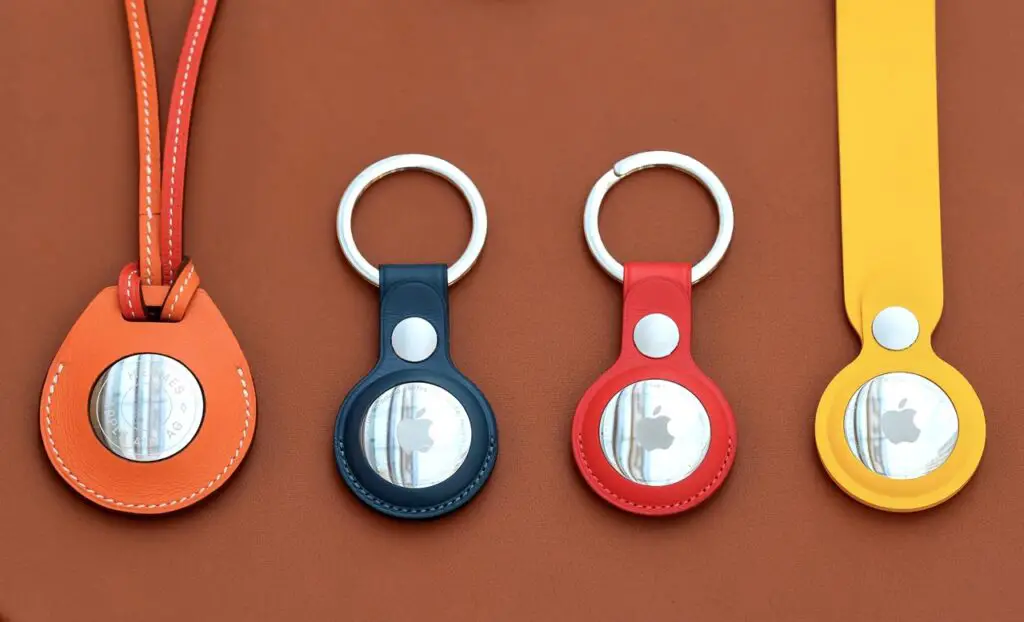
The AirTag only works with Apple products, so it's out if you're on Android. It also has no built-in key ring hole, so you need a holder to clip it to a keychain. It still works in any bag, whether you're comparing 2-wheel vs 4-wheel luggage or dropping it in a carry-on, and a few suitcases now mold a tracker pocket into the shell, including the bag in our Ridge carry-on review. If you want a backup that needs no battery or app, TSA-approved luggage straps keep a bag shut and easy to identify.

AirTag for Travelers: Bottom Line
On the Vigo-Marrakesh round trip the tag updated every minute or two in the busy airports and went quiet in the smaller ones until the bag hit the belt. That is the useful split: dense Apple-device areas give you a live map; thin ones give you a last-seen ping.
Comparison with Other Luggage Tracking Apps
Airline apps tell you the bag was loaded, or that it has not been seen. They don't update from random phones in the terminal the way Find My does. The AirTag fills that gap. It still can't invent a ping in an empty airport. On a connection, the map can show whether the bag reached the transfer airport, and our guide to rechecking bags on a connecting flight explains when you have to collect it yourself.
What held up
On this trip the location matched where the bag actually was, once enough Apple devices were around to ping it. The Find My link is end-to-end encrypted, so the map is tied to the paired Apple ID.
When it is worth buying
A four-pack covers a checked bag, a carry-on, and a set of keys. A single tag is enough to try it on one checked suitcase. Skip it if you don't own an iPhone.
Price and Availability
Apple sells the AirTag on its own site and through other retailers. A hostel-safe bag still needs a lock and a plan; the tag only tells you where it went.
At a Glance: One AirTag vs. Four Pack
| Rank | Product | Pack | Best Use | Battery | Price | |
|---|---|---|---|---|---|---|
| 1 | Best for multiple bags | 4 AirTags | Family trips | Replaceable | Check Price | |
| 2 | Best for one suitcase | 1 AirTag | Solo travel | Replaceable | Check Price |
Price for One AirTag
One AirTag is the cheapest way to find out whether tracking a bag changes how you travel.
Price for a Pack of Four AirTags
The four pack works out cheaper per tag, and it covers a checked bag, a carry-on, and a set of keys in one purchase.
Apple's site and the usual retailers stock it. There is no waitlist.
If you have more than one bag, the four-pack is the cheaper way to cover them. If you want to try tracking on a single checked suitcase, buy one tag.
Filed in Travel Tips